DIY: magnetic pins
I was cleaning up my whiteboard and after reusing it for kanban with non sticky post-it notes, i realized that it didn’t have enough magnetic pins. I even put some ideas and projects into the virtual backlog but there was still a shortage of possibilities to hold the paper temporary onto the board.
So to combat this shortage i wanted to design a new magnetic pin and 3D print it.
Pins v1.0
The current pins were already 3d printed and had an pressfitted magnet, but there were some flaws in the design.
 picture of v1 pins
 bottom view
Flaws of v1:
- The pressfitting of the magnet into the 3d print wasn’t always working that smoothly. The tolerance between the print and magnet were to tight. This made it very hard to jam the manet into its right place
- The bottom width wasn’t broad enough to hold bigger pieces of paper onto a surface
- The top point was to sharp and pointy (wouldn’t bounce of the ground)
New design: v2.0
I had some of same magnets lying around from the old version and i was going to use them. Just going to create a new 3d model, use the same magnets and remove the flaws from the first one.
 The neodymium magnets in question. 8mm in diameter, 1.5mm thick and 23 pieces
For the 3d modeling im using FreeCAD an open source modeler. I’m creating a new model from scratch instead of reusing the old one. I bet its faster then finding the old one.
In FreeCAD i created the sketch on which the whole model is based on. It looks like this:
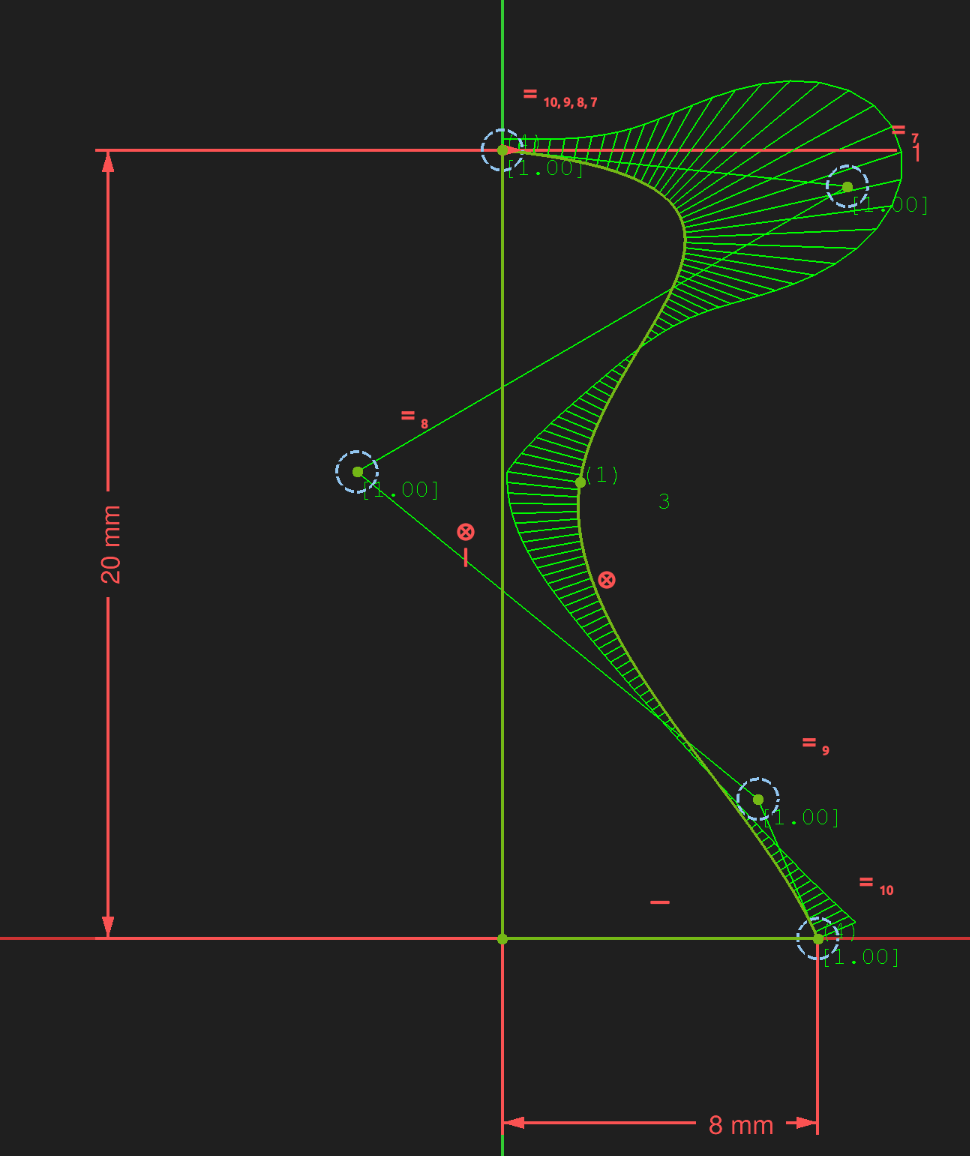
It tried to match the proportions of the first version, but the top isn’t pointy and the base is 2mm wider. Two flaws gone one left. A simple view of the sketch:
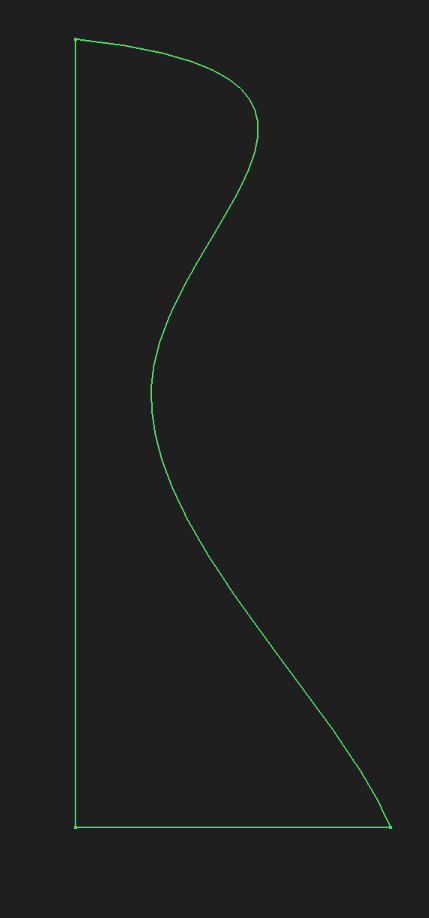 the sketch withouth the points of the bezier curve
The next step was to revolve this form around the axis so we get a 3d model. The revolve tool made it very easy and we end up with this:
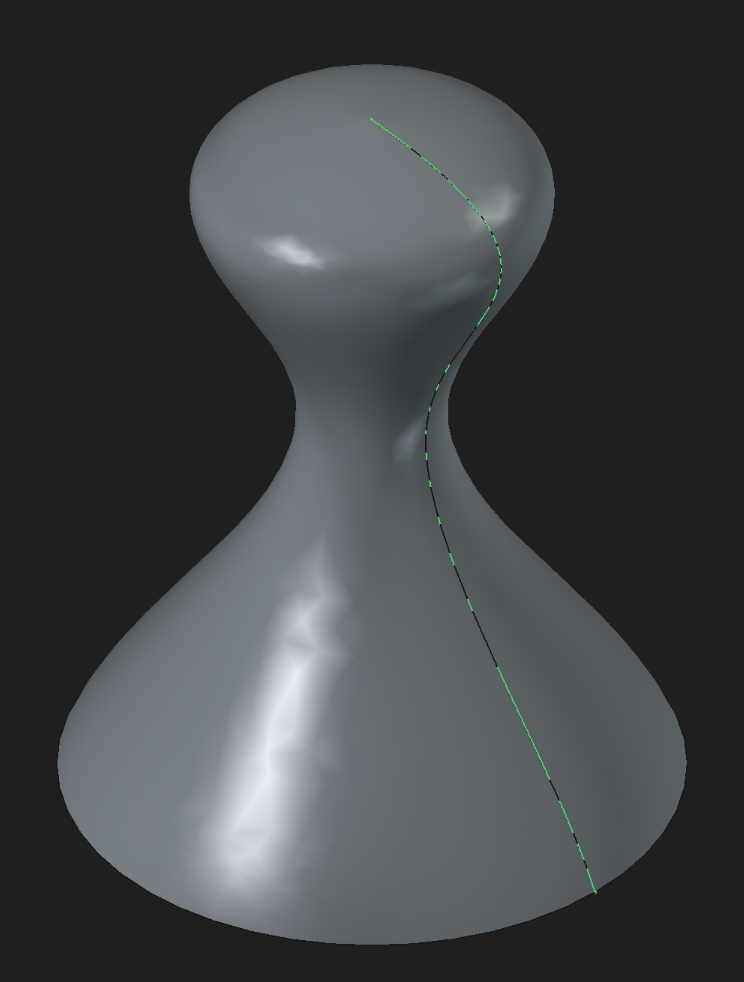
Looks already promising. This is also the same process one would use to create figures for a chess set. Just playing around with the height and form of the curve. This model already looks like pawn tbh.
The last step was to add a hole for the magnet. Those are called pockets in FreeCAD. You just select the face on which you draw the sketch and then you use that to create the pocket. The result is the following:
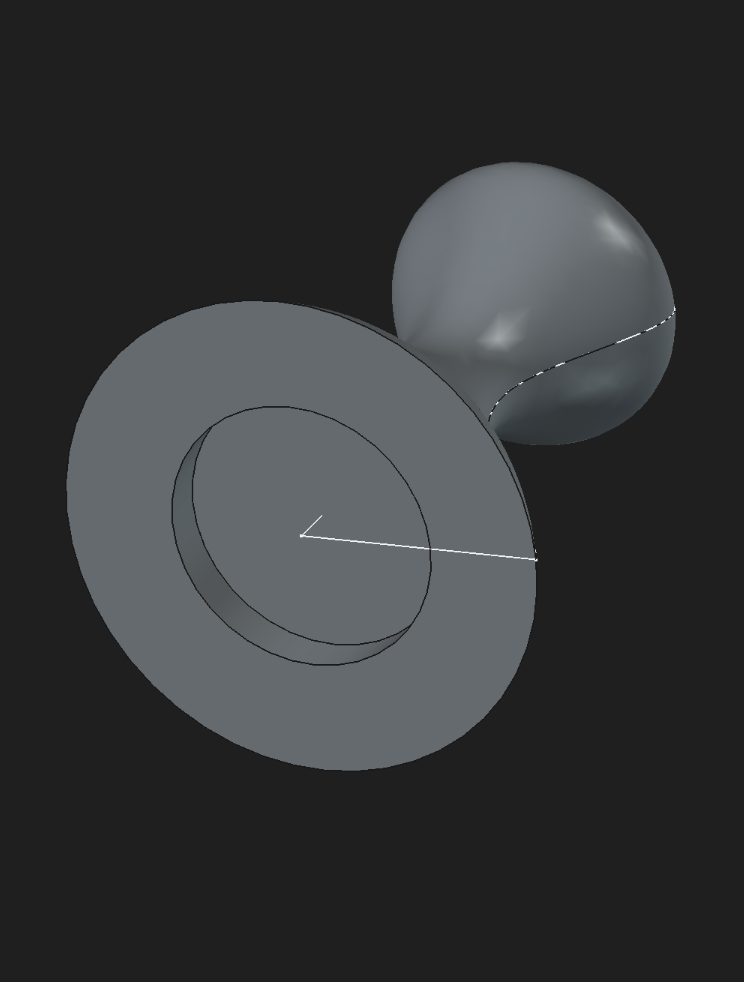
I made the pocket 0.5mm wider then then magnets, so it ain’t a tight fit. Just going to use a drop of superglue to hold it in place.
First print
It showed that the neck of the pin was to thin. There was not enough mass available to protect it. The printer wasn’t also very happy about the steep angle above the neck:
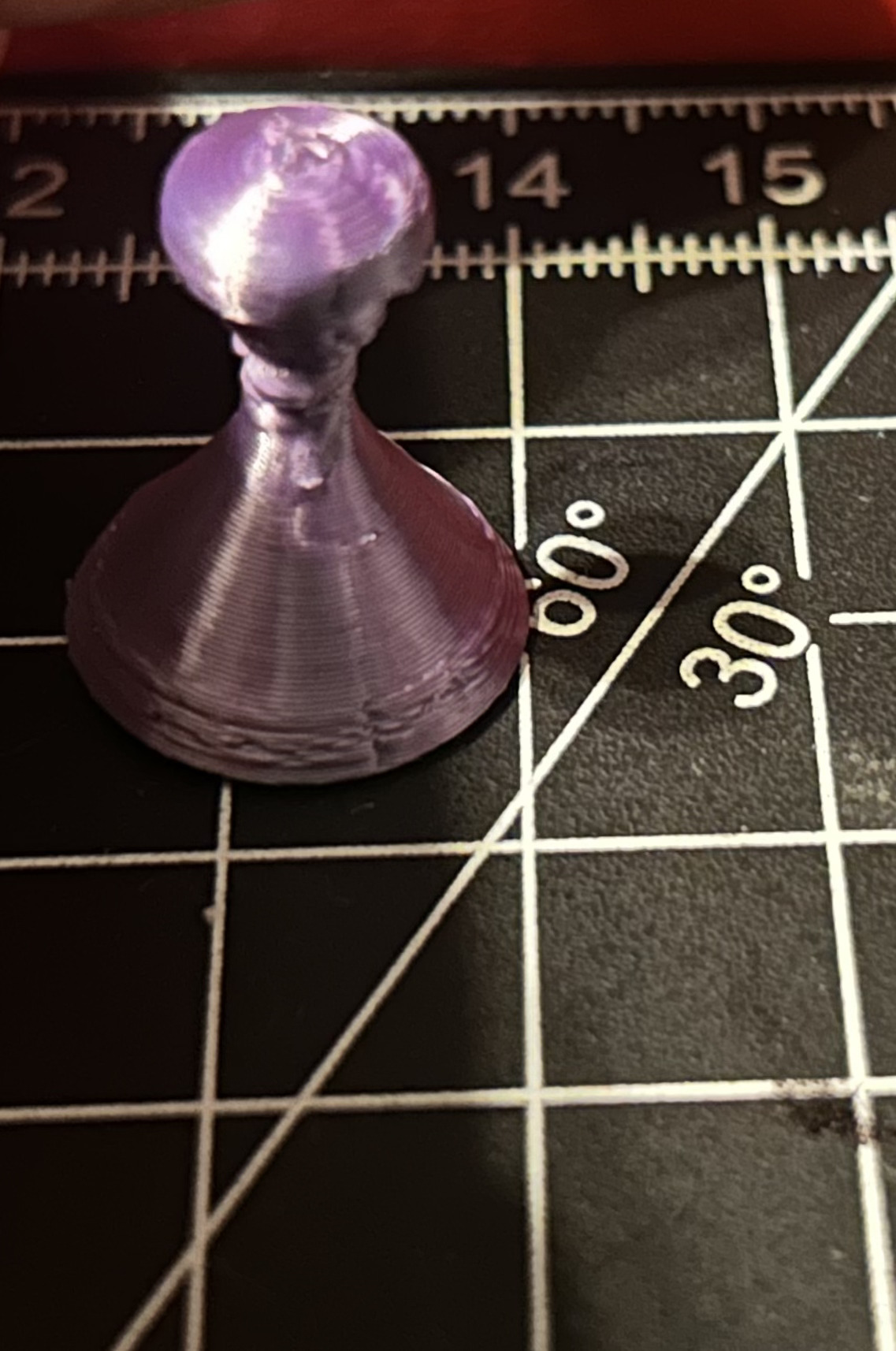
So i made the model chunkier to avoid theses issued and started the next print. The printer had some temperature problem, which i fixed and the first chunky model came out good. The magnet had a lot of space and fitted loosely, with no need for cleanup.
I directly sent 9 more to the printer:
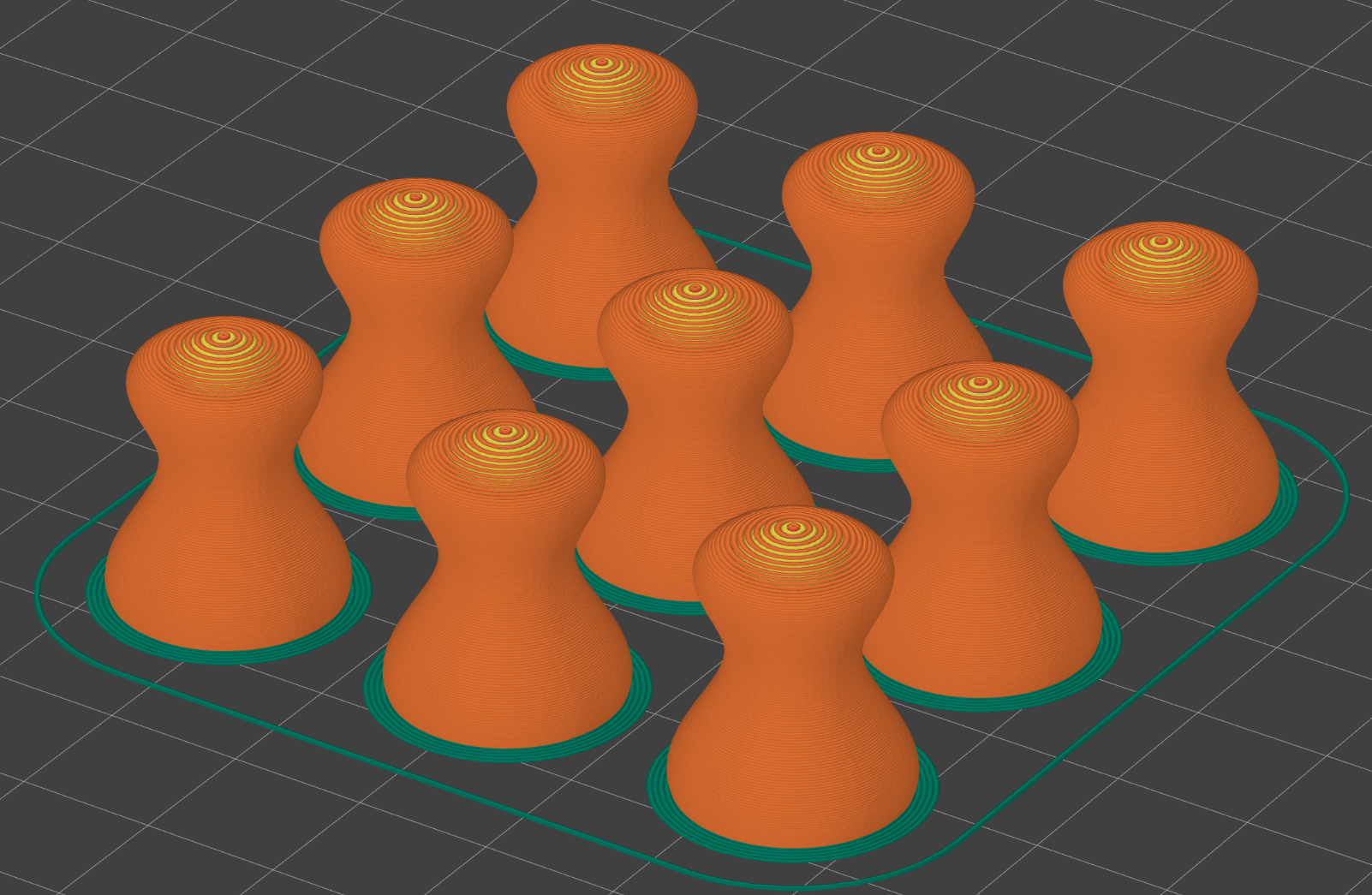 View in the PrusaSlicer of the chunkier model
The view in real life after being printed:
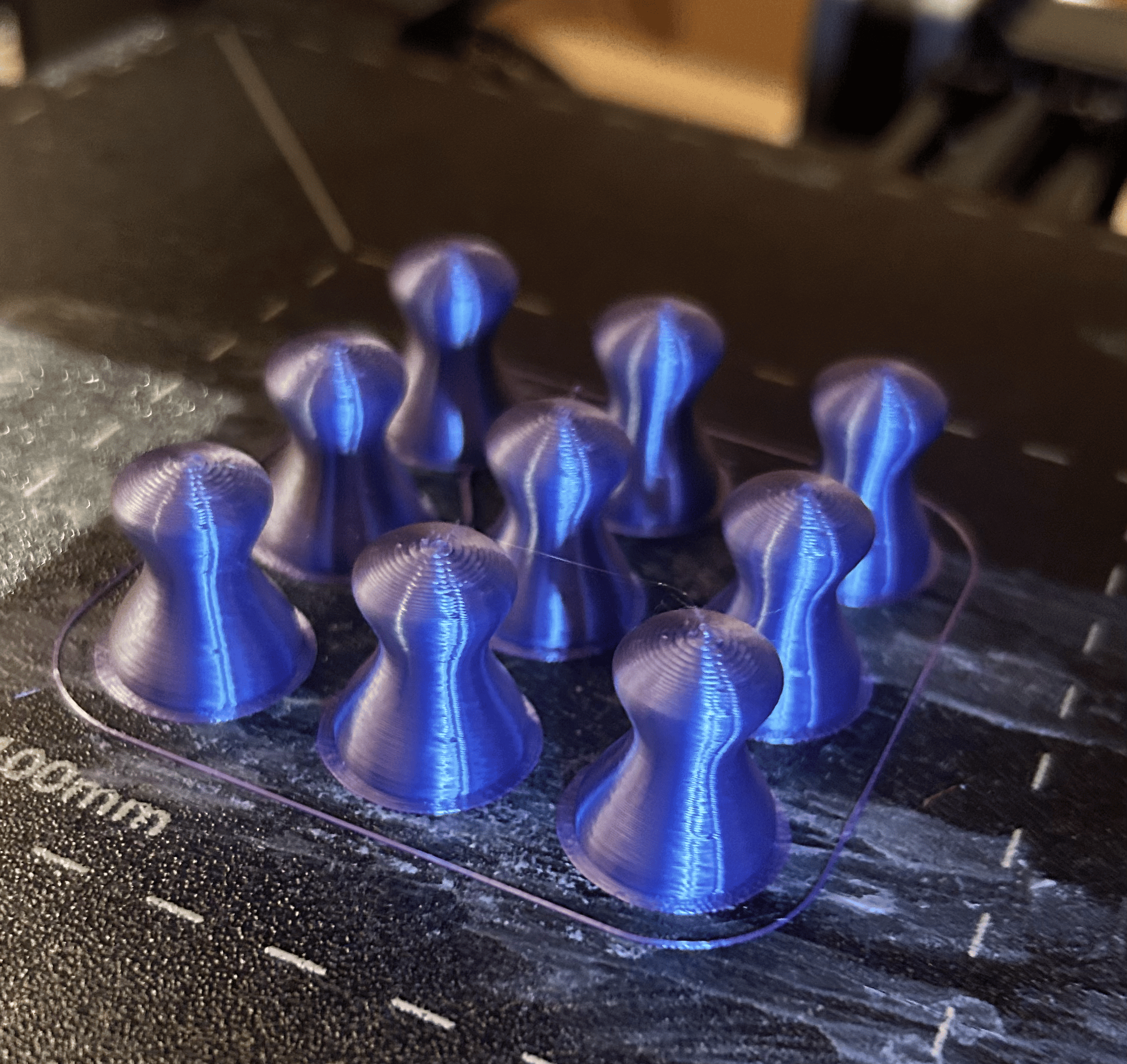 They looking crispy and smooth with that silk filament
Afterwards i just glued in the magnets and let them dry. In the process i remembered that i hate the smell of superglue and my eyes get super itchy from it, which is a good combination while having undry super glue on your fingers. Can’t have it all…
I printed another batch for the rest of the magnets so they wouldn’t lie around.
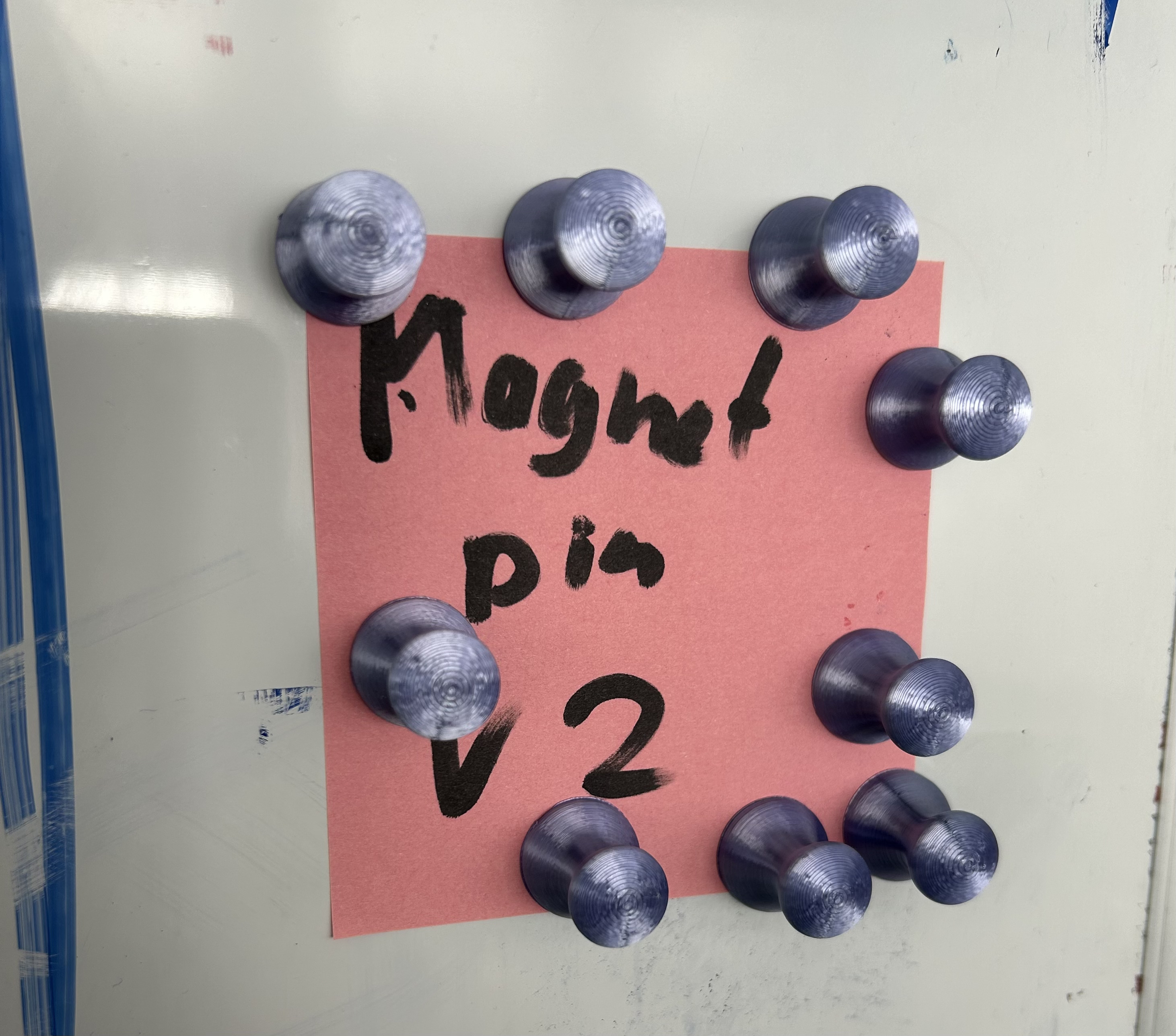 That note isn’t moving from the DONE column
Conclusion
Could i just have bought some magnet pins from the store and called it a day ? Possibly, but it was more fun speed running all of this in an evening. Besides i had the magnets lying around anyway and the printer was already set up. Also it solved an immediate problem and now my project kanban board is really usable.
With only one iteration this project went smoothly tbh. The only improvements would have been adding an variable for the magnet pocket, so i could use bigger or smaller magnets. Otherwise maybe a flatter alternative version which uses less plastic.
But all for another evening.